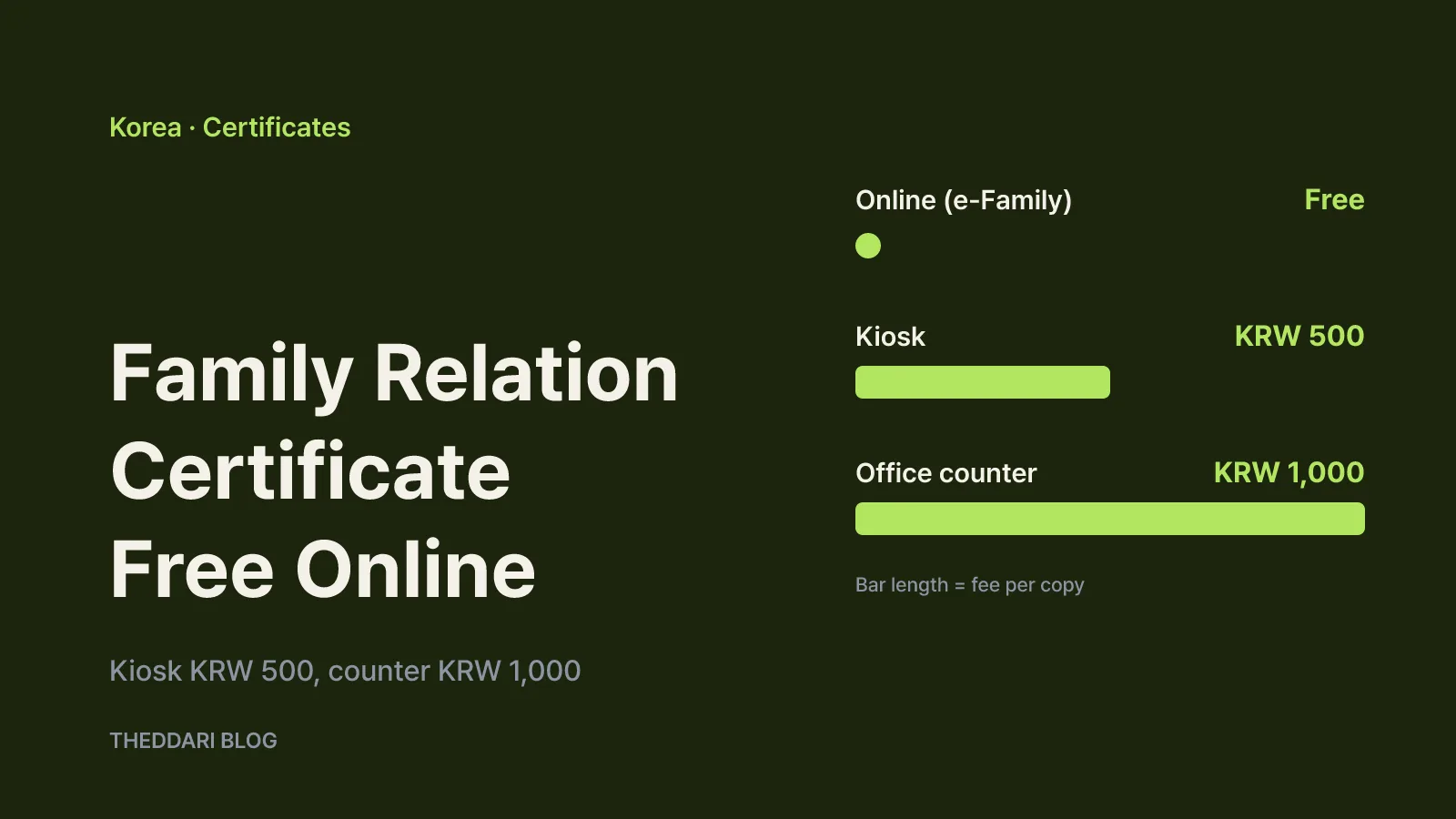
As of October 2026, the cheapest way to get a Korean family relation certificate is to issue it yourself on the Supreme Court's Electronic Family Relationship Registration System, usually called e-Family. Online issuance is free. The same certificate costs KRW 1,000 per copy at a community center or district office counter and KRW 500 per copy at an unmanned civil service kiosk, according to the government portal Gov24 (service guide, kiosk guide). Which route you can actually use depends on two things: which version of the certificate the receiving office wants, and whether the record belongs to you or to a relative.
This guide is for anyone dealing with Korea's family registration system, including Korean nationals, people married to Korean citizens and anyone asked by an employer, school or embassy for a Korean family relationship document. It covers Korean domestic rules only.
General, detailed and specific certificates
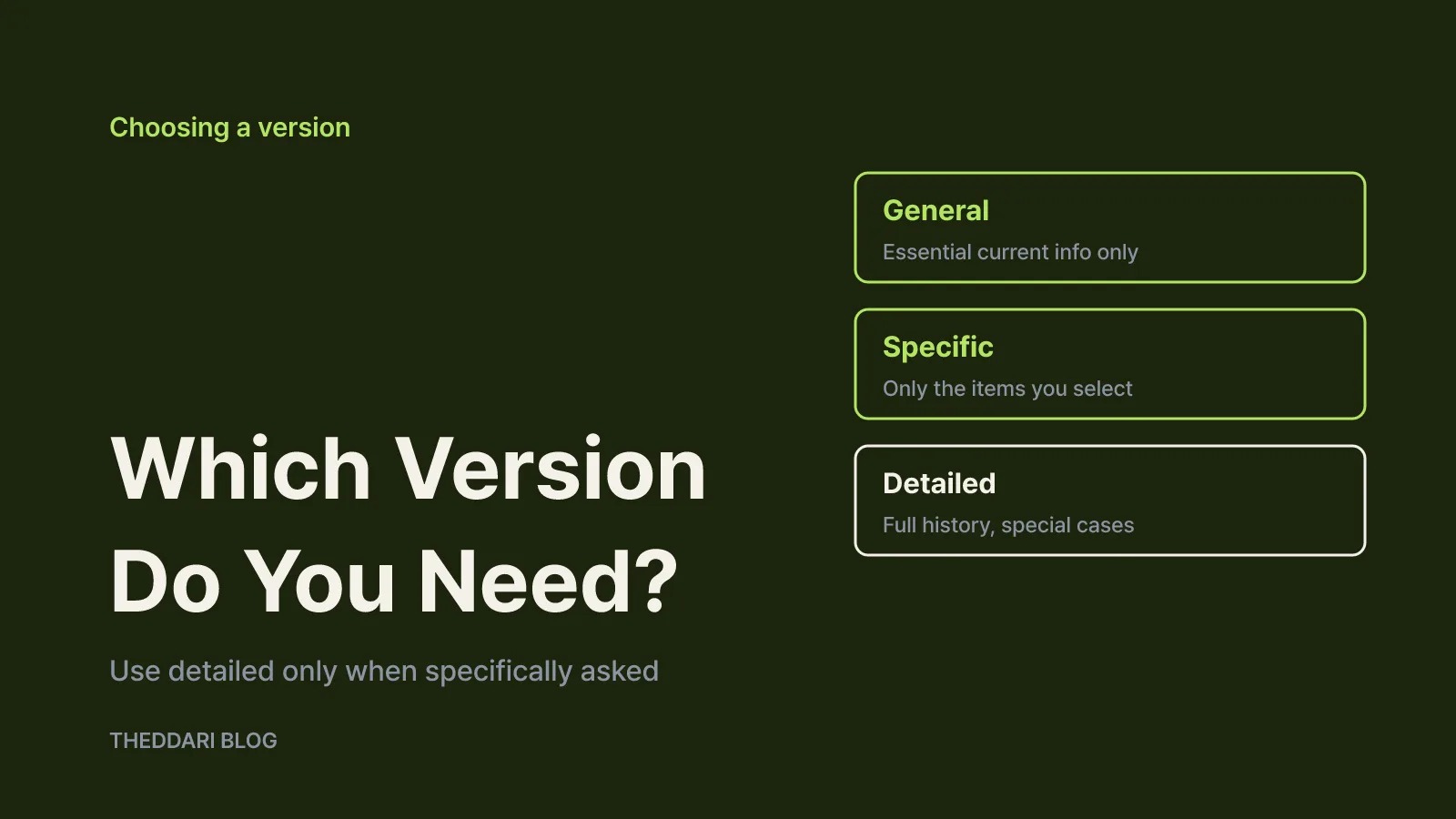
Korea's family register produces five kinds of certificate: the family relation certificate, the basic certificate, the marriage relation certificate, the adoption relation certificate and the full adoption (chinyangja) relation certificate. Each one can be issued in three versions: general, detailed or specific.
Gov24 states the principle plainly. In ordinary use you should submit a general certificate, which shows only essential current information, or a specific certificate, which shows only the items the applicant selects. The detailed certificate, which includes past status changes and the full record, is meant to be used only when there is a particular reason.
Every general certificate shows the person's registration base, name, sex, clan origin (bon), date of birth and resident registration number. On top of that, each certificate covers different information:
- Family relation certificate: you, your parents, your spouse and your living children of a current marriage
- Basic certificate: your birth, death and loss of nationality
- Marriage relation certificate: you, your spouse and your current marriage
- Adoption relation certificate: you, your birth and adoptive parents or adopted child, and current adoptions
- Full adoption relation certificate: the equivalent details for a full (chinyangja) adoption
In practice, when an office simply asks for "a family relation certificate," the general version is normally enough. Some procedures need to see past records, such as an earlier marriage, and will ask for the detailed version by name. Because the detailed version reveals history that may have nothing to do with the current request, avoid submitting it where it is not required. If the instructions do not say "detailed," request the general version, and when in doubt ask the receiving office before you print anything.
Three ways to get it and what each costs
Gov24 lists three application routes, online, in person and kiosk, and all are processed immediately.
← Swipe to see more
| Route | Fee per copy | Hours | Main limits |
|---|---|---|---|
| e-Family website | Free | 24/7, may pause for system outages | Only your own, your parents', spouse's and children's records; electronic ID check required |
| Unmanned civil service kiosk | KRW 500 | Depends on where the kiosk is installed | Identity check required; family, basic, marriage and adoption relation certificates (including closed records) |
| Community center or district office | KRW 1,000 | Office hours | Bring ID; proxies need authorization documents |
Gov24 notes that kiosk fees and hours can vary under individual laws and local ordinances, so a particular city may charge differently, and kiosks inside buildings follow the building's opening hours. Gov24 recommends calling the number posted at the kiosk location before you go. Its kiosk table lists eight family-register items (the family relation, basic, marriage relation and adoption relation certificates, each with a closed-record variant). The full adoption relation certificate is not on that list, so plan to use another route if you need it.
The counter is the most expensive option but the most flexible. Gov24 lists city, district, town, township and neighborhood offices as places that accept and process the request, and the only document you bring for your own record is identification. It is the practical choice when you have no electronic certificate for online login or need a certificate the kiosk does not offer.
How to issue it online for free
Online issuance happens on the Supreme Court's e-Family site (efamily.scourt.go.kr), not on Gov24 itself; the Gov24 service page links there. According to Jemulpo-gu District Office in Incheon, the system launched on March 4, 2013 and issues family register certificates, including partial-item certificates, and old household register (jejeok) copies free of charge.
The flow is short:
- Open the e-Family site, choose certificate issuance and verify your identity. The district guide says identity is confirmed with a certificate under Korea's Digital Signature Act, so have a joint certificate or another login method the site supports ready.
- Choose whose record you need, the type of certificate (family relation, basic, marriage relation and so on) and the version: general, detailed or specific.
- Print or save the result following the on-screen instructions.
Online you can issue certificates for yourself, your parents, your spouse and your children. Siblings and grandparents are outside that range, so their records require another route. The service runs 24 hours a day, 365 days a year, but can pause during equipment failures. Test your login a day or two before a deadline rather than at the last minute.
Who can request whose certificate
These certificates carry sensitive personal data, so access is restricted. Gov24 cites Article 14 of the Act on the Registration of Family Relationships as the legal basis and lists eligible applicants as the person concerned or an authorized representative. The Jemulpo-gu guide breaks the rules down this way:
- You, your spouse and lineal blood relatives can apply directly by giving the subject's name and resident registration number or registration base. Lineal relatives include parents and grandparents on both sides and children and grandchildren, including adoptive relationships.
- In-laws are not lineal blood relatives. A daughter-in-law or son-in-law needs authorization from a lineal relative.
- A representative must submit a signed power of attorney with a copy of the grantor's ID, or a sealed power of attorney with the matching seal certificate. A sibling's representative must give the subject's name and registration base.
- A parent with custody requesting a former spouse's certificate on a child's behalf must state the reason and provide supporting evidence. If the request relies on the child's own authorization, the child must be at least 15 with sufficient mental capacity, and the purpose must not be improper, such as invading privacy.
Because kiosks issue only after an identity check, they are not suited to getting a relative's record. For a parent's or spouse's certificate, use e-Family or the counter.
Checklist before you submit
Reprinting is the most common avoidable cost. Check these points first:
- Certificate name: the family relation, basic and marriage relation certificates are different documents. Match the exact name in the instructions.
- Version: confirm general, detailed or specific. If nothing is stated, prepare the general version.
- Issue date: many offices want a recently issued copy, and the window differs by office, so do not print too early.
- Subject: whose record is it, and if it is a relative's, does it fall within the online range of parents, spouse and children?
- Route: certificates missing from the kiosk list, such as the full adoption relation certificate, need the website or the counter.
- Proxy papers: if you apply at the counter for someone else, bring the power of attorney and either an ID copy or a seal certificate.
In short, for a general certificate covering you, your parents, spouse or children, e-Family is the fastest route and costs nothing. Without an online login, use a kiosk for your own record and the counter for proxy requests or unusual certificates.