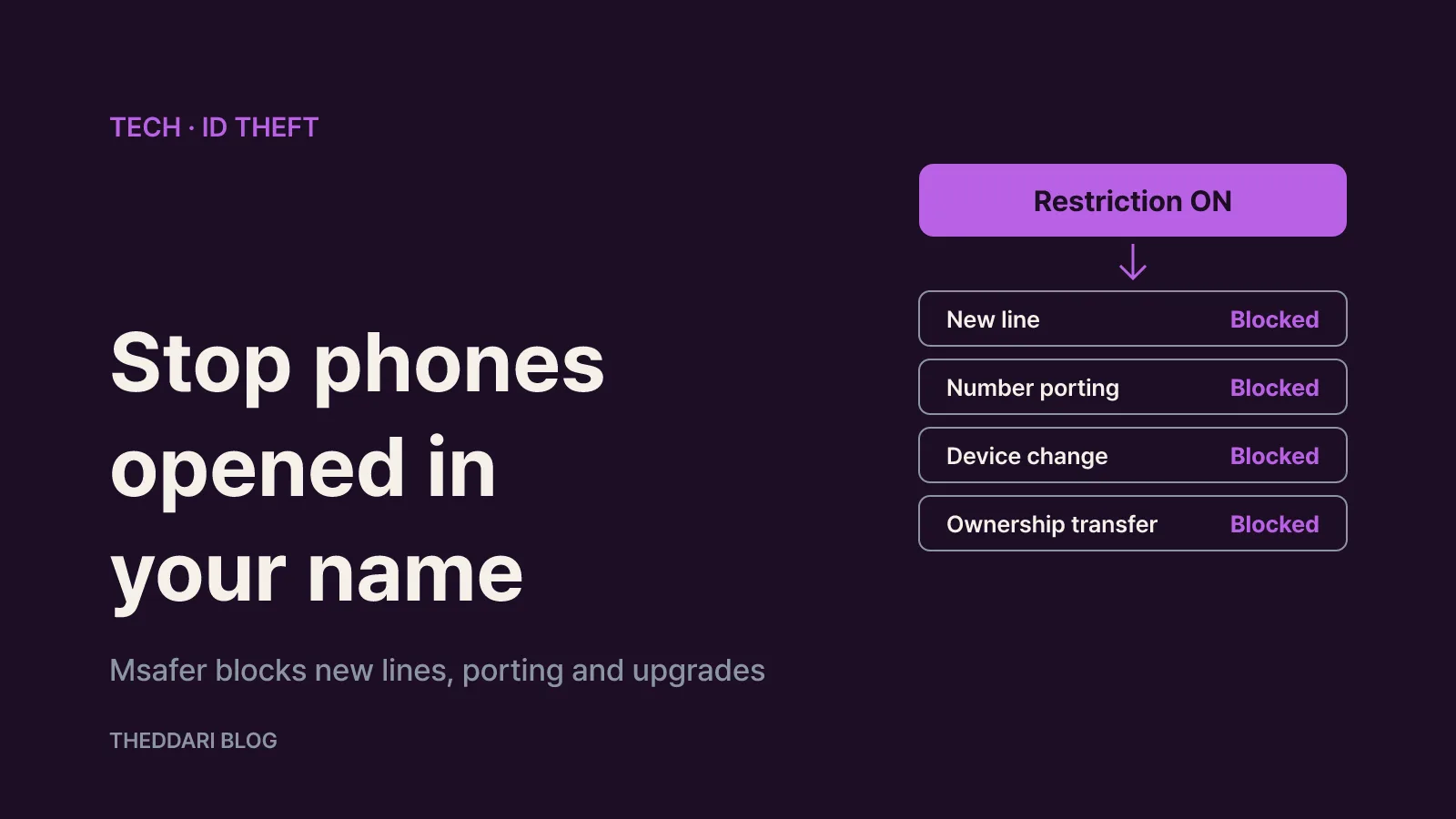
As of November 2026, the most direct way to stop someone from opening a mobile phone line in your name in South Korea is to switch on the subscription restriction (가입제한) feature of Msafer, the identity-theft prevention service run by the Korea Association for ICT Promotion (KAIT). It is free, and once set it blocks new mobile activations, number porting, device changes and ownership transfers until you lift it yourself (Msafer service overview). You can turn it on through the Msafer website with a joint or financial certificate, the PASS app, the KakaoBank app, or in person at a carrier branch with your ID (how-to notice).
I cover device settings and telecom service terms, and for this guide I read Msafer's own service pages, notices and FAQ alongside the Korean government's announcement on phone-related fraud measures. The aim is practical: what the block covers, the side effect most people miss, and how to undo it when you actually need a new phone.
What Msafer actually does
Msafer is a free public service based on Article 32-6 of the Telecommunications Business Act. It bundles five separate functions, and it helps to know which ones are automatic and which you must request.
- Text alerts for new contracts: when a telecom contract is signed in your name through a new subscription or an ownership transfer, a text is sent to the mobile phone registered in your name. No sign-up is needed.
- Registered-mail alerts: if you cannot receive texts, a notice goes by registered mail to your registered address.
- Subscription status lookup: shows every telecom line currently open in your name as of the day you check.
- Subscription restriction: at your request, blocks mobile activations in advance, including new lines, number porting, device changes and ownership transfers.
- Email alerts: sends activation notices to an email address you register and verify.
The key distinction is timing. A text alert arrives after a line has already been opened. The restriction works before activation and stops it outright. If you have lost an ID card, received a data-breach notice or seen suspicious verification texts, check the status lookup first and then turn on the restriction.
Four ways to turn on the block
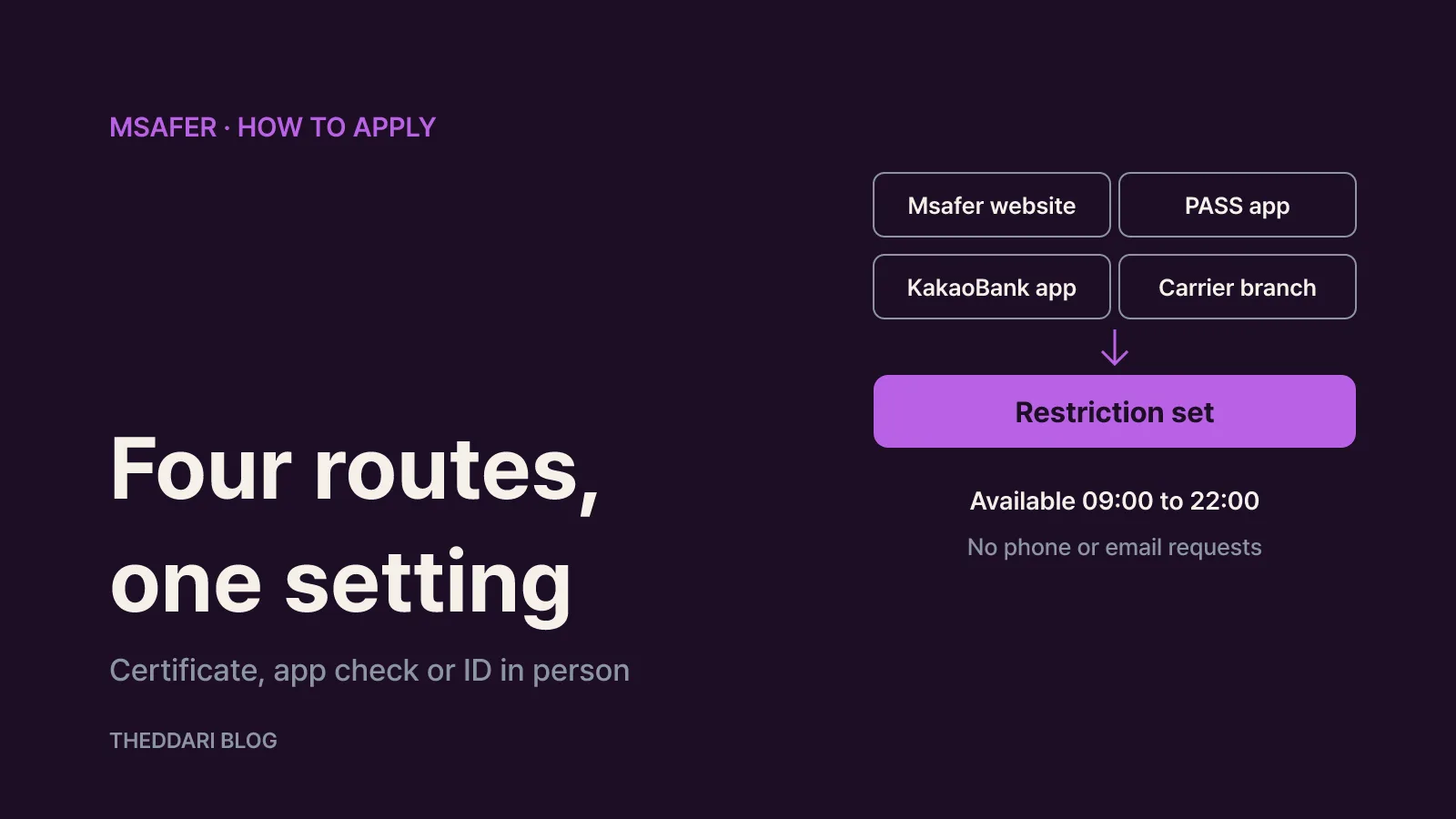
Msafer's notice lists four routes, and all of them lead to the same setting (how-to notice).
- Website (PC): go to msafer.or.kr, log in with a joint certificate or financial certificate, then open the subscription restriction menu. If login keeps failing, the FAQ suggests installing the security programs from the certificate center or trying another PC.
- PASS app: open PASS, tap the full menu, then choose the identity theft prevention service. Agree to the terms, verify your identity and enter your identification details. Menu placement can differ slightly between each carrier's PASS app.
- KakaoBank app: go to the full menu, then authentication and security, then the identity theft prevention service. The steps match PASS.
- Carrier branch: bring your ID to a carrier's identity-theft reporting desk at a branch, direct store or plaza. Visiting just one mobile carrier branch is enough to request a blanket restriction across mobile carriers.
Two practical limits apply. According to the FAQ, the restriction service is available only from 09:00 to 22:00, while the status lookup runs 24 hours. Msafer posts schedule changes for maintenance on its notice board. Also, the lookup and the restriction cannot be requested by phone, email, the national petition portal or a website inquiry. If a caller offers to set up the block for you and asks for personal details, that is not an official channel.
What the block stops, and how to lift it
The restriction covers new mobile activations, number porting, device changes and ownership transfers (service overview). Device changes are the part people forget. If you buy a new handset and try to activate it on your existing number while the block is on, the activation will not go through. Switching carriers is blocked the same way.
A simple routine works well:
- Keep the restriction on by default.
- Lift it yourself right before you upgrade your phone or switch carriers.
- Turn it back on once the new line or device is active.
If you set the block online, you can lift it through the same website or app. Lifting it in person works differently: one branch can apply a blanket block, but removal must be requested at a branch of the carrier you want to open the line with (how-to notice). The notice names SKT branches for SKT, KT Plaza for KT and KT-network budget carriers, and LG U+ direct stores for LG U+ and LG U+-network budget carriers.
Know what is not covered, too. The restriction targets mobile phone activations. Wired products such as broadband, internet phone, landlines and pay TV are not described as covered by the block, although new subscriptions to them in your name do trigger text and email alerts (service overview). That is another reason to add email alerts rather than relying on the block alone.
The 180-day limit on multiple lines
Even without the restriction, Korea limits how many lines one person can open in a short period. Since July 1, 2024, the combined window across mobile carriers, including budget carriers, was extended from 30 days to 180 days (multi-line restriction notice):
- Korean nationals (prepaid and postpaid): up to 3 lines within 180 days; a 4th is blocked.
- Foreign nationals (prepaid and postpaid): up to 2 lines within 180 days; a 3rd is blocked.
- Corporations: up to 4 lines within 180 days; a 5th is blocked.
The change was part of a government package against voice phishing and so-called burner phones. The same announcement said identity checks at activation would go beyond text data such as name and resident number to verify the authenticity of ID photos held by government agencies (Korea.kr policy briefing).
The cap stops mass activations, not a single fraudulent line. If you already use two lines, a third opened by someone else still fits under the limit for Korean nationals. That is why a periodic status lookup is worth doing. When you review it, compare the carrier, service type and activation date for each line rather than simply counting them. Family-plan lines, a tablet or smartwatch line you thought you had cancelled, and budget-carrier lines are easy to overlook. Msafer's notice adds that per-carrier activation dates can be checked after identity verification at credit.or.kr.
Found a line you did not open? The four-step process
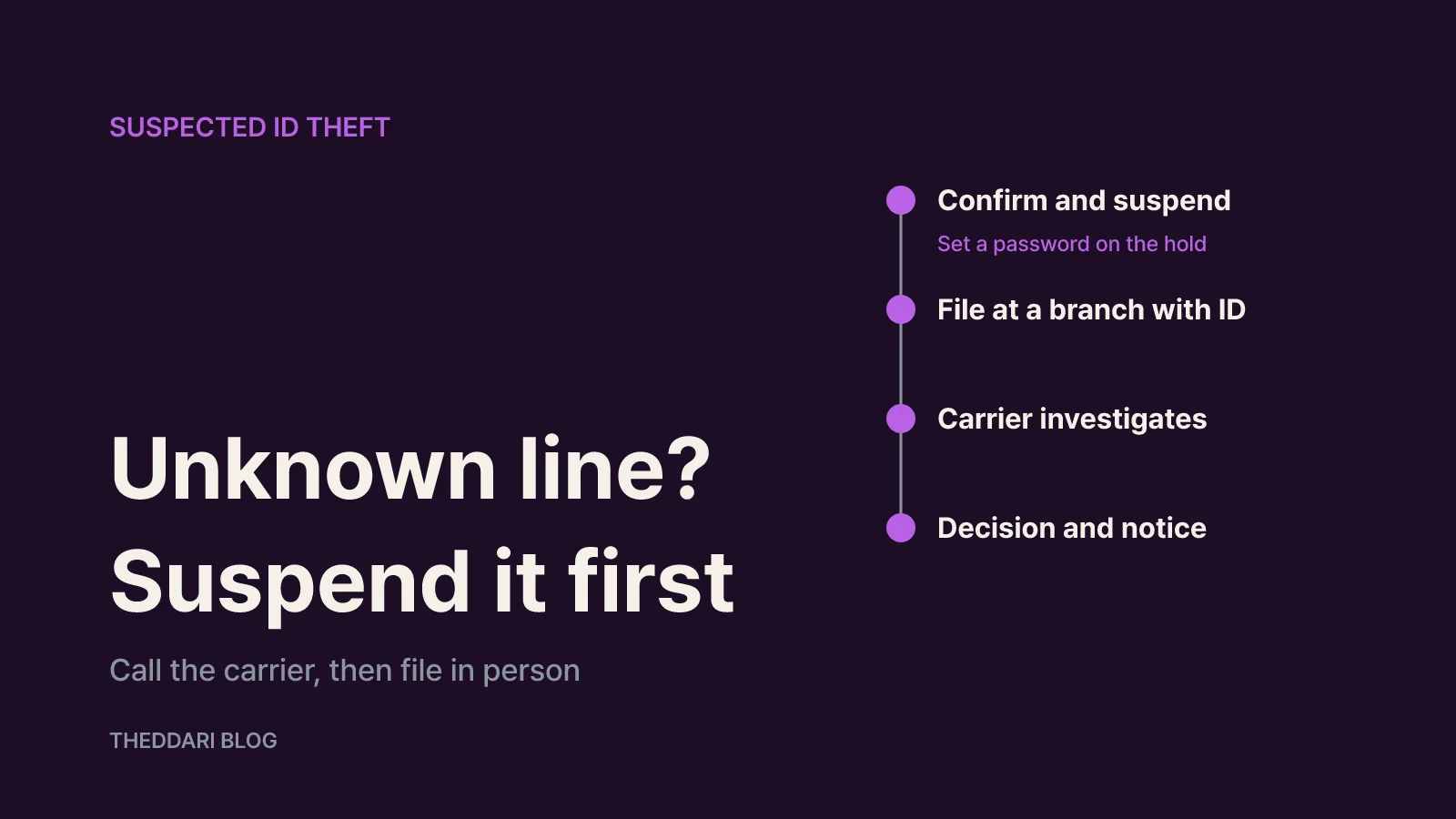
Msafer's dispute center describes mobile identity-theft handling in four stages: recognition, filing, carrier investigation, and review with notification (suspected identity theft guide).
- Confirm and freeze: call the carrier's customer center (114 from a phone on that carrier) to confirm the line exists. If identity theft is suspected or confirmed, request an immediate suspension and set a password so the person who opened it cannot lift the suspension.
- File in person: visit a branch or customer support office with your ID, review the subscription and billing details, and submit an identity-theft investigation request. You will be asked to consent to the use of your personal information.
- Carrier investigation: the carrier cancels the fraudulent line on its own authority and investigates the selling store's paperwork and the actual user.
- Decision: the carrier decides whether the company or store was at fault and notifies you. Where fault is established, charges fall on the actual user or the store, and the impersonator is referred to investigators.
For a suspicious budget-carrier line, the guide points to the Ministry of Science and ICT CS center (1335, no area code) and the Telecom Dispute Mediation Center (080-3472-119). Wired services follow the same four stages through the provider's customer center or branch. After the case is filed, turn on the restriction so it cannot happen again, and reissue your ID if it was lost.
Extra steps worth taking
Add email alerts. Text alerts go to the phone registered in your name, so they are easy to miss if that phone is lost or the number has been hijacked. The FAQ notes that if the confirmation email does not arrive, you should check spam or try a different address.
Watch for impersonation texts. Msafer's notice board carries warnings about texts pretending to be Msafer. Since the block can only be set through the website, PASS, KakaoBank or a carrier branch, treat any link in a text that asks you to verify your identity as unofficial. Type the address yourself or open an app you already have.
Credit blocks are separate. Msafer only covers telecom activations. In the same package, the government said financial regulators would launch a service that lets consumers block new credit transactions in advance (Korea.kr policy briefing). A hijacked phone number can be used in financial verification, so consider that layer as well.
Get help if you are stuck. Msafer's identity-theft prevention hotline is 1670-1382 on weekdays from 09:00 to 18:00, and remote support is available when an agent requests it (FAQ). The site also links to an English page from its header.
The short version: check the status lookup, switch on the restriction, add email alerts, and only lift the block for the few minutes you need to activate a new phone.