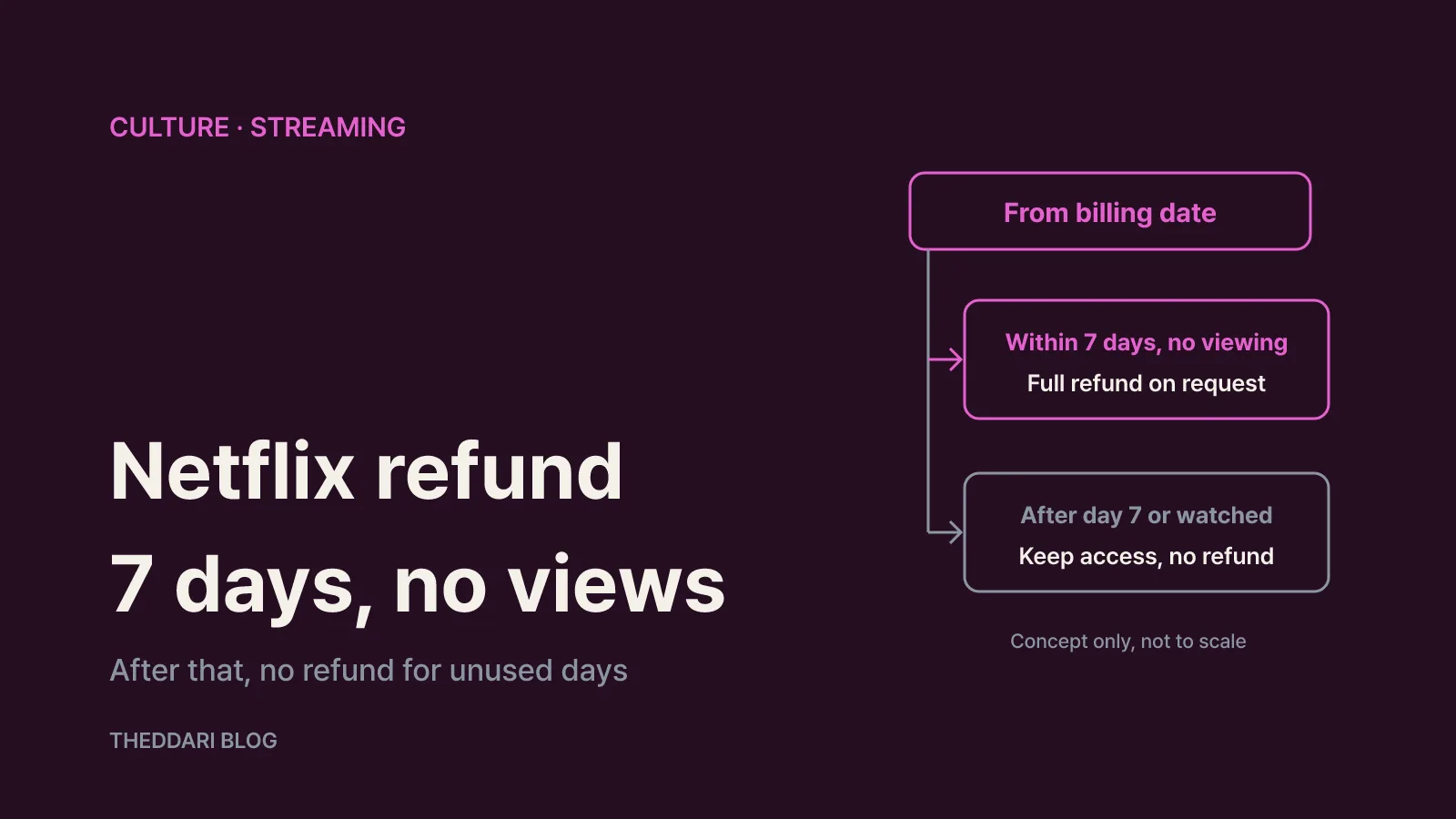
As of November 2026, cancelling a Netflix subscription in South Korea stops your next payment, and you can keep watching until the current billing period ends. Netflix does not refund the unused days of that period. There is one exception: under section 2.7 of the Korean Netflix Terms of Use, if you cancel within 7 days of your billing date and nobody has used Netflix content on the account during that time, you can request a full refund of that billing period's fee. Netflix Korea has no pro-rated, mid-cycle cancellation, and Korea's Fair Trade Commission declined to rule that model unlawful when it reviewed it in October 2025.
This guide is based on Netflix's Korean help article on cancelling, the Korean Terms of Use last updated on April 10, 2026, and the Korea Fair Trade Commission's October 15, 2025 announcement. It is written for anyone with a Netflix account billed in Korea, including expats and students, who wants to know what happens to their money before pressing Cancel.
What "cancel" means on Netflix Korea
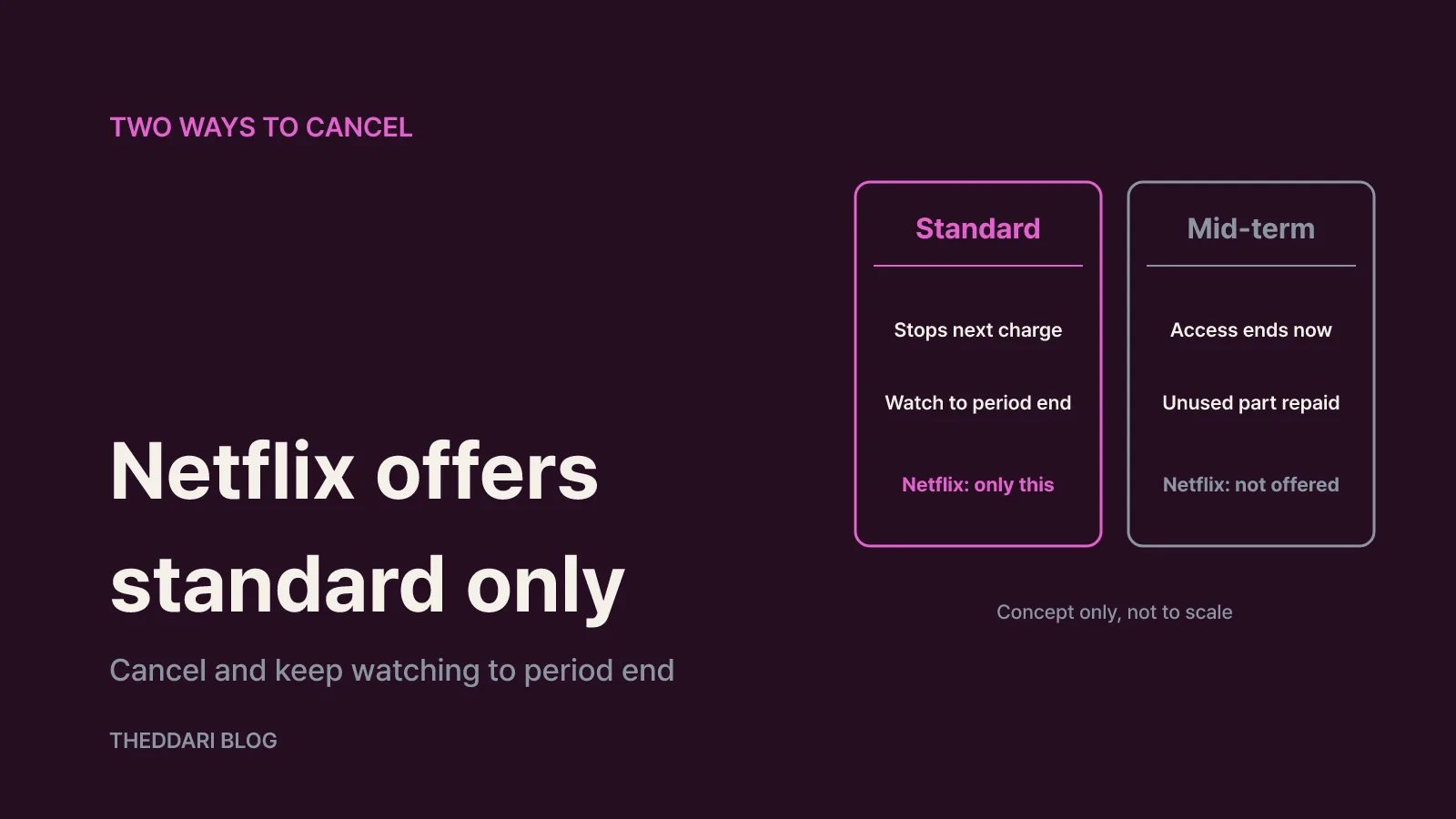
Korean consumer discussions separate two kinds of subscription cancellation. The first is often called ilban haeji (standard cancellation): the contract stays in force until the paid period ends, you keep access, and the only effect is that auto-renewal stops. The second is jungdo haeji (mid-term cancellation): access ends immediately and the provider returns what you paid minus the portion you used and any penalty.
Netflix offers only the first type. Its help article on cancelling says that if you cancel with time left in your billing period, you can keep using Netflix until the period ends and the account closes automatically. Section 2.6 of the Terms of Use is explicit: cancellation takes effect at the end of the billing period, and apart from a cancellation that meets section 2.7 and refunds owed because of Netflix's own intent or negligence, Netflix gives no refunds or credits for partial subscription periods or unwatched content.
The steps are short. Open the membership management page, select Cancel, then confirm with Finish Cancellation, and Netflix emails a confirmation to the address on the account. Netflix stresses that this is the only way to end a membership. Signing out or deleting the app does not cancel anything, so wait for that confirmation email before you consider the job done. You can see the exact end date in your billing details on the Account page.
The 7-day full refund window, step by step
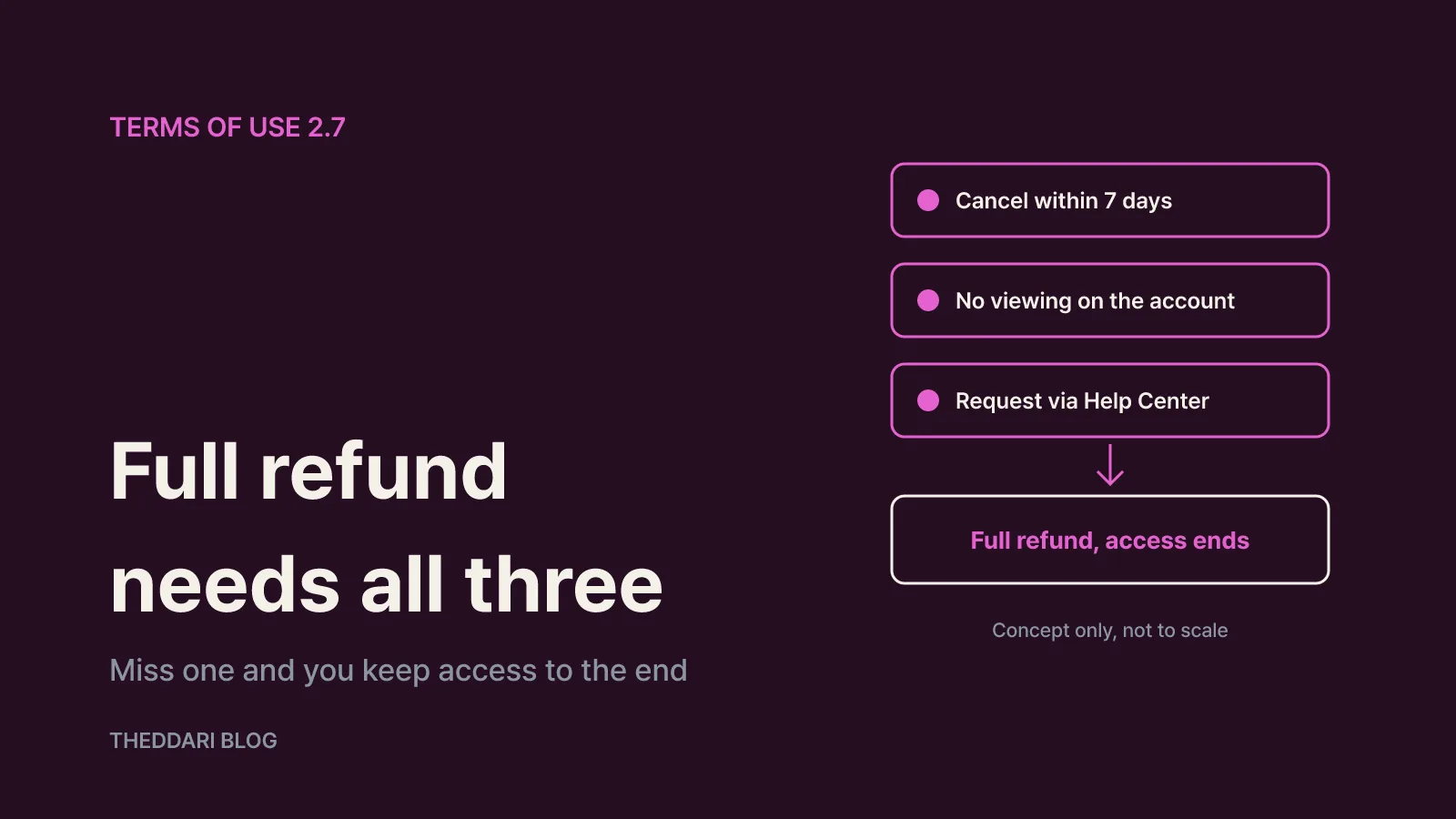
Section 2.7 reads, in substance: if you cancel within 7 days of the billing date and have not used Netflix content on that account in the meantime, you may request a full refund of the fee charged for that billing cycle. Three details matter in practice.
- The clock starts on the billing date, not the sign-up date. On a monthly plan, every renewal charge opens a new 7-day window. If you forgot to cancel and were charged yesterday, but nobody has watched since, you are still inside the window.
- The test is the whole account, not just your profile. The terms refer to use "on that account," so a family member streaming one episode on another profile likely breaks the condition. Check viewing activity for every profile before you ask.
- It is a refund you request, not an automatic one. Cancel within the window, then use Contact Us in the Netflix Help Center to ask for the refund, giving your billing date and confirming nothing was watched. Under section 2.6, a cancellation made under section 2.7 ends the subscription immediately, so you cannot receive the refund and keep watching for the rest of the period.
If you are past day 7, or someone has watched anything, the realistic option is to cancel and use the remaining days. Make a short list of what you want to finish before the end date so the money you have already spent is not wasted.
Why regulators did not force Netflix to pro-rate refunds
On October 15, 2025, the Korea Fair Trade Commission (KFTC) announced corrective orders and administrative fines totalling ₩10.5 million against four businesses under Korea's e-commerce consumer protection act: Coupang (₩2.5 million), Content Wavve (₩4 million), NHN Bugs (₩3 million) and Spotify (₩1 million).
The streaming-relevant finding concerned Wavve and Bugs. According to the KFTC announcement as republished by the Korea Fair Competition Federation, both companies actually ran standard and mid-term cancellation for their auto-renewing plans, yet their purchase pages, cancellation screens and FAQs described only standard cancellation and failed to explain, or properly explain, that mid-term cancellation existed and how it worked. The KFTC treated that as obstructing cancellation through deceptive means.
The same review also covered Netflix Services Korea, Watcha, Naver Plus and Kurly Members, which offer only standard cancellation. The KFTC closed that part of the case without sanctions. It said the evidence could not show whether mid-term or standard cancellation is better for consumers in the subscription economy, complaint patterns were unclear, and Korea's Door-to-Door Sales Act and its regulations do not clearly define statutory cancellation rights for subscriptions. It reserved judgment until a fact-finding survey and new cancellation standards are in place.
For subscribers the takeaway is simple. A service that has mid-term cancellation in its terms must tell you about it clearly. A service such as Netflix that never offered it is not, on the KFTC's current position, required to refund unused days. With Netflix, refunds realistically come down to the 7-day no-viewing rule, cases of Netflix's own fault, and billing errors such as duplicate charges.
Paid through an app store, carrier or bundle?
If you do not see a Cancel option on your Account page, you signed up through a billing partner. Netflix says the Membership section will then show a link to the partner's cancellation process or tell you to contact the partner. Section 2.5 of the terms notes that subscriptions obtained through third parties can carry different conditions and limits, so check the partner's refund rules rather than assuming the 7-day rule applies in the same way. The merchant name on your card or phone bill usually tells you who billed you.
A few other situations change the outcome:
- Pause instead of cancel. Netflix lets you pause for one month; you keep watching until the next billing date, are not charged that day, and can extend a month at a time up to three months in total. Pausing is not offered on the Basic plan or with some payment methods, including automatic bank transfer, gift cards and certain partner billing.
- Gift card or promotional balance. After cancelling you can keep watching for as many months as the remaining balance covers.
- Account on hold. If the account is on hold, for example after a failed payment, cancelling ends it immediately.
- Extra members. Under section 3.2, an extra member who cancels loses access at once; if the account owner removes the extra member feature, that person keeps access until the end of the owner's current billing period.
- Price changes. Section 2.8 says Netflix will notify you of fee or plan changes, including when they apply, and seek your consent; if you do not agree, you can cancel before the next billing date.
- Coming back later. Netflix keeps your viewing history for 10 months after the account closes, so rejoining within that time restores recommendations, ratings and account details.
A five-step checklist before you press Cancel
- Find out who bills you. No Cancel button on the Account page means a partner handles cancellation and refunds.
- Check your last billing date. Count whether today is within 7 days.
- Check every profile. If no one on the account has watched anything, cancel and request a full refund through the Help Center, knowing access ends immediately.
- Otherwise, use the remaining days. No refund applies, so note the end date and decide whether a pause suits you better than a cancellation.
- Keep proof and lock the account. Save the confirmation email. To stop anyone in your household from rejoining on your account, Netflix suggests changing the password and ticking the option to sign out of all devices.
The two conditions to remember are seven days and zero viewing. Putting your renewal date in your calendar, and deciding before it arrives, is the most reliable way to avoid paying for a month you did not want.