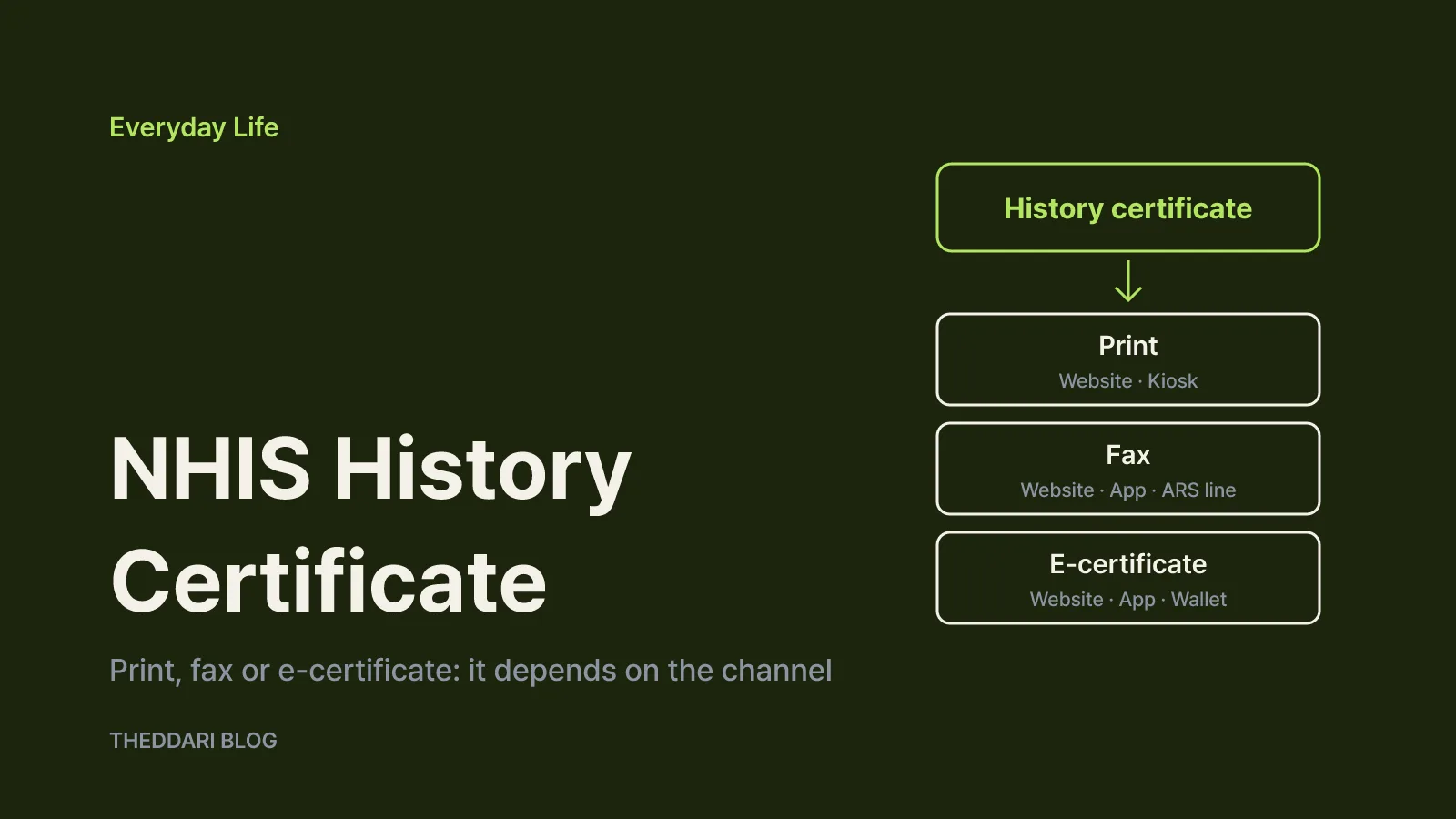
As of November 2026, you can issue Korea's health insurance qualification history certificate (건강보험 자격득실확인서) yourself through the National Health Insurance Service (NHIS) website, the NHIS mobile app 건강보험25시, Gov24 or a civil service kiosk. If the office asking for it wants paper, print it from the NHIS website. If they give you a fax number, use fax delivery. If they accept digital documents, choose the electronic certificate. Without online identity verification, you can request a fax through the 1577-1000 call center's digital ARS or visit an NHIS branch.
According to NHIS, the certificate confirms the health insurance qualification history of a current or former subscriber or dependant. In practice it is a dated list showing when you entered the National Health Insurance system, under which status, and when that status ended. Employers often request it during onboarding to see previous workplace coverage, and many application forms ask for it as proof of enrolment history. NHIS also issues a separate document with a similar name, the qualification certificate (자격확인서). Check the exact Korean document name on your request form before issuing anything, because the two are listed as different certificates.
Six ways to get it and the format each one supports
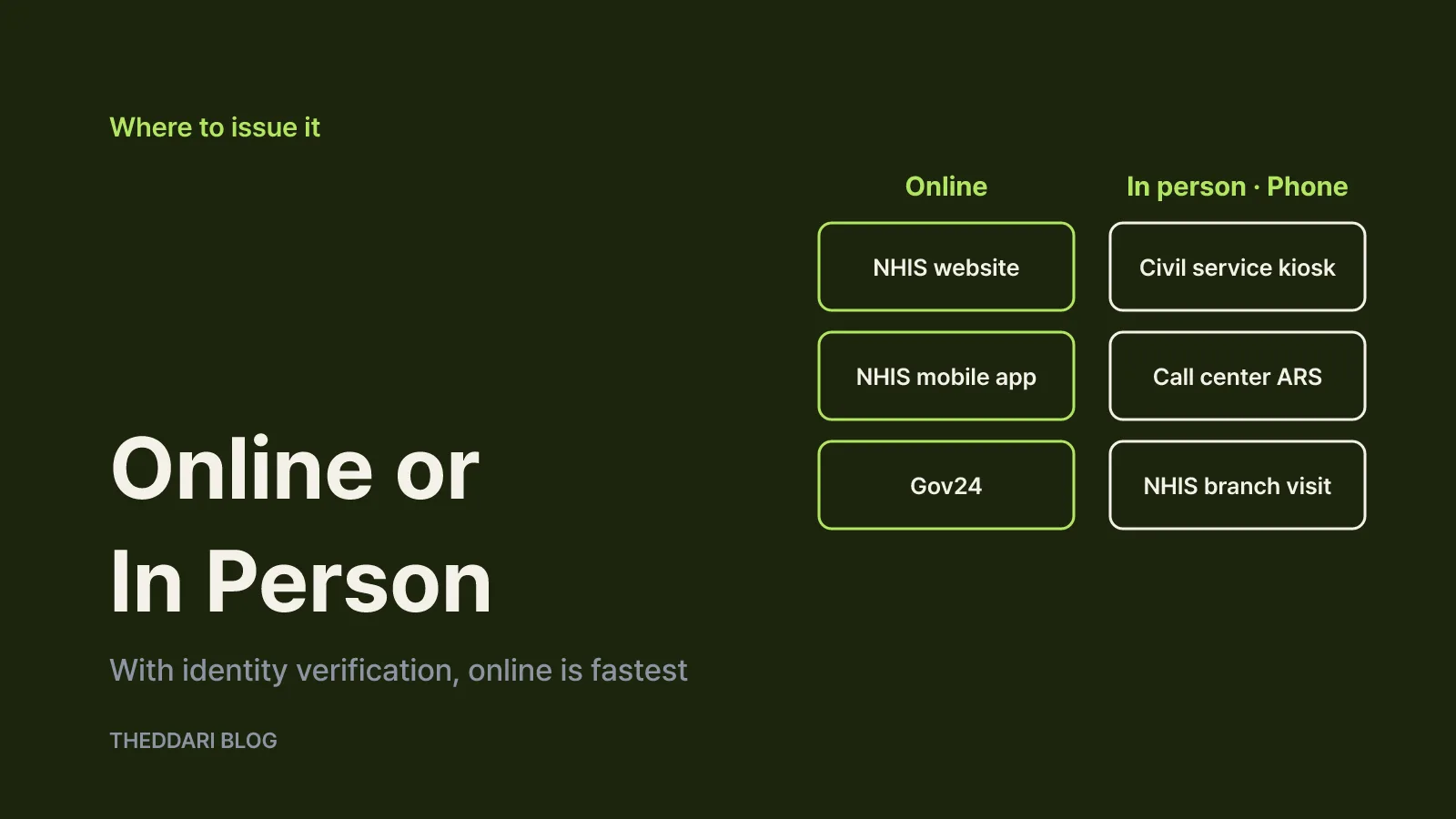
The same certificate comes in different formats depending on the channel. Based on the NHIS service guide:
← Swipe to see more
| Channel | Formats available | Notes |
|---|---|---|
| NHIS website | Print, fax, electronic certificate | Log in with a certificate |
| 건강보험25시 app | Fax, electronic certificate | No print option listed |
| Gov24 | Online issuance | Members and non-members |
| Civil service kiosk | Instant printout | Fingerprint verification |
| Call center 1577-1000 | Fax | Digital ARS; agent-assisted fax is restricted |
| NHIS branch visit | Counter issuance | Required for some minors |
The app is where most people get stuck. NHIS lists only fax and electronic certificate formats for 건강보험25시. If you want a paper copy right away and have a printer, use the print option on the NHIS website from a computer. If you only have a phone, issue the electronic certificate and send it to the requesting office.
An electronic certificate can only be issued and viewed if you have a government digital document wallet. NHIS names 건강보험25시, Gov24, Naver and KakaoTalk among the apps that provide one. Before you choose this format, ask the employer or agency whether they accept electronic certificates. If they do not, switch to print or fax.
The Gov24 service page was last updated on October 21, 2026, and lists the NHIS website, 건강보험25시 and civil service kiosks as ways to use the service. Gov24 accepts both member and non-member applications, but notes that some services still require simple authentication or a joint or financial certificate even for non-members. Whichever route you pick, have one identity verification method ready.
Issuing it on the NHIS website or the 건강보험25시 app
On the NHIS website, go to 민원여기요 (civil services), then 개인민원 (personal services), then 증명서 발급·확인 (issue and verify certificates), select 자격득실확인서 and log in with a certificate. The NHIS webzine's guide to contact-free issuance describes the same path. The screen first shows your acquisition and loss records, so you can check that every period you need is included before you submit anything.
Next, choose the format. Printing opens a preview window and sends the document to your printer. If the preview or printing fails, the site may ask you to install an issuance program; follow the prompt and try again. For fax delivery, enter the destination number and press send. A single wrong digit could send a document containing personal information to a stranger, so read the number back before confirming.
In the 건강보험25시 app, verify your identity on the phone and select the certificate from the certificate menu. The app delivers it by fax or as an electronic certificate. If you are travelling without a computer and need to fax it to an HR team, the app is the quickest option.
When the phone line, a kiosk or a branch visit makes sense
If online authentication is difficult, use an offline channel. Calling 1577-1000 lets you request a fax through the digital ARS. NHIS says agent-assisted fax issuance is available only to people aged 65 or older and registered persons with disabilities. The call center runs on weekdays from 9 a.m. to 6 p.m. and is a paid number. From abroad, call +82-33-811-2001.
Civil service kiosks are found at community service centers and subway stations, among other places. The NHIS webzine describes kiosk issuance as free, with fingerprint recognition used for identity verification. The advantage is that you get paper immediately without an online certificate. Opening hours depend on where the kiosk is installed, so check the location and hours before going.
An NHIS branch visit is the route for cases that cannot be handled online, such as a parent collecting a young child's certificate, or someone whose resident registration number or name has changed and who needs older records checked. Bring your ID to the nearest branch.
Minors: age 14 is the dividing line
If you need the certificate for a child, the process depends on age. NHIS sets it out as follows:
- Under 14: a legal representative (a parent with parental authority) visits a branch. The representative's ID and the child's basic certificate (detailed or specific version) are used to confirm the relationship.
- 14 or older: the child or the legal representative can visit a branch. A child visiting alone should bring a resident registration card or youth ID card; a representative brings the same documents as for under-14s.
- Children aged 14 or older who can complete simple authentication can issue it themselves on the website or app.
NHIS does not list an online route for parents to issue a child's certificate on their behalf. For a child under 14, issue the basic certificate in advance and take it to the branch with your ID so you can finish in one visit.
Things to check before you issue it
First, records from before July 1, 2000 generally do not appear. When the separate medical insurance societies were merged on that date, NHIS built electronic records only for the periods needed for its work, so earlier coverage cannot normally be confirmed. Some older records survived, depending on each society's systems at the time, but NHIS says this is not typical.
Second, if your resident registration number or name has changed, records from before the change will not show. Contact a nearby branch. A gap after a legal name change may be explained by this rule rather than an error.
Third, the certificate only confirms health insurance qualification. NHIS states that it cannot create qualification records for career proof or loan purposes, and that it bears no legal responsibility when the document is used for other purposes. If you need proof of employment, ask the employer for an employment certificate.
Fourth, the document contains personal information. NHIS warns against selling or transferring personal information and notes that misuse, such as identity theft, can be punished under Korea's information and communications network law. Avoid mistyped fax numbers and unattended printouts, and send only what was requested.
A short checklist: confirm the requested document name, decide between paper, fax and an electronic certificate, prepare an identity verification method, and check that every required period appears. If something is missing, consider whether it predates July 2000 or whether your name or registration number changed, then contact an NHIS branch.